Data Breaches

How to Check If Your Email Was in a Data Breach (and What to Do Next)
A leaked password rarely announces itself. Most people find out when a strange login alert arrives, a friend asks why they got an odd email from your address, or a breach checker flags an old account you forgot you had. The good news: checking takes minutes, and the cleanup is manageable if you work from most important to least. Here is how to find out whether your email has been exposed, and what to do when it has.
How Breach Checkers Actually Work
Breach notification services collect public dumps, paste sites, forum posts, and responsible disclosures from companies. You type an email address, and the service tells you whether that address appears in known breaches. Some also show which data was exposed: email address, password, username, IP address, phone number, physical address, or security questions.
Not every breach makes it to every service. Some companies notify victims directly by email, mail, or an account message. Others disclose quietly in a filing or a support page. So one check is useful, but two or three checks plus your own inbox search gives a fuller picture.
Important: breach checkers only know about exposed data that has been found and indexed. A clean result does not prove your email has never leaked. It means no known public breach includes it.
Check Your Email in a Few Minutes
Use a reputable breach notification service. Have I Been Pwned is the best known; Mozilla Monitor and some password managers offer similar alerts. Enter your main email address, then repeat for any older addresses you still use for banking, shopping, or social accounts. If you use aliases or plus addresses, check those too.
Then search your own inbox. Search for terms like "breach," "security incident," "password reset," "unusual sign-in," or the name of a company you use. Check spam and archived folders. If you find a notification, read it carefully. It should say what happened, what data was involved, and what the company is doing next.
Next, check your password manager. Google Password Manager, Apple's iCloud Keychain, and services like Bitwarden and 1Password can warn you when saved credentials appear in a breach. Run the password checkup in your browser if it has one. This is often faster than checking every account by hand.
What to Do First: Lock Down the Important Accounts
Prioritize accounts that can cost you money, identity, or access to everything else.
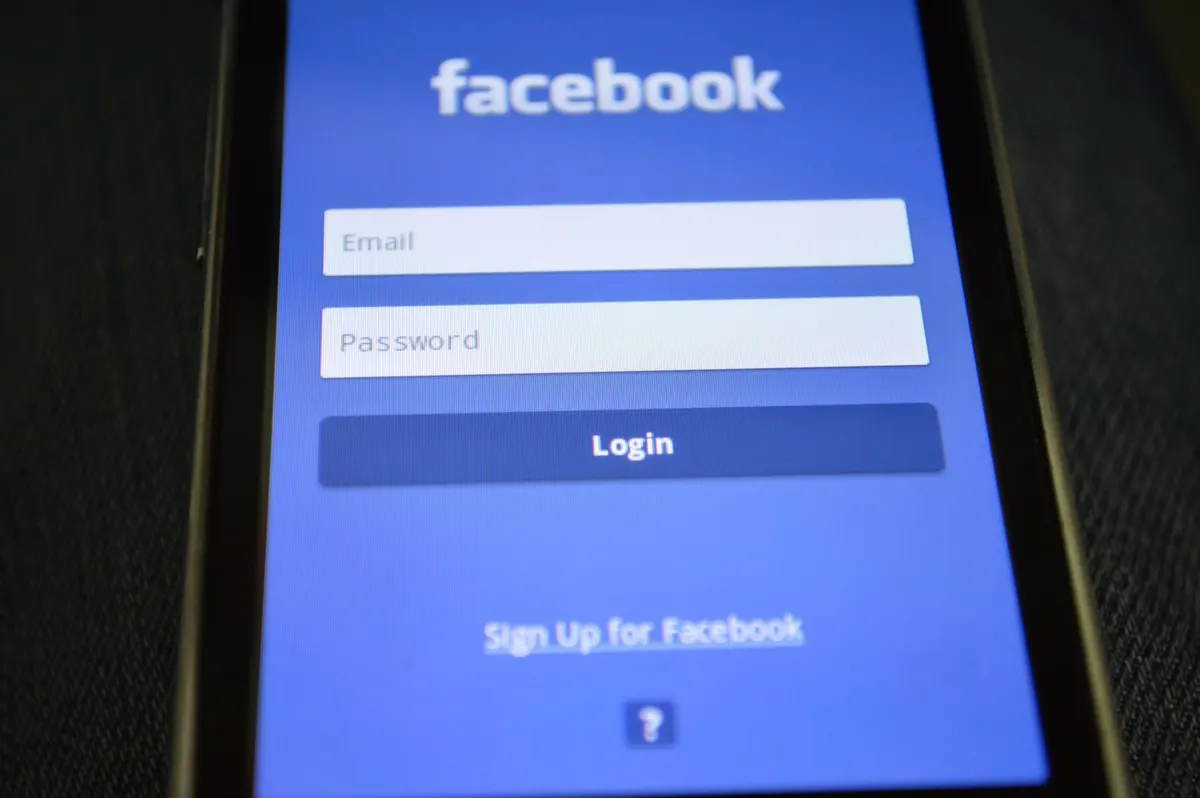
- Change the password on the breached account. Use a new, unique password you have never used anywhere else. Length matters more than symbols.
- Change the same password anywhere else you reused it. If your email and password appeared together, attackers will try that pair on banking, shopping, social media, and cloud storage.
- Turn on two-factor authentication (2FA). Use an authenticator app or a hardware security key when possible. SMS codes are better than nothing, but they can be intercepted or SIM-swapped.
- Review active sessions and connected apps. Sign out of devices you do not recognize. Remove third-party apps that no longer need access.
- Check account recovery settings. Make sure the recovery email and phone number are yours. Attackers sometimes add their own before you notice.
If your email account itself was breached, start there. Email is the reset key for almost everything else. Once you regain control, change passwords on all linked accounts.
Deal With Phishing and Suspicious Messages
After a breach, expect more targeted phishing. Criminals may reference the leaked service by name or include part of an old password to make the message look real. They may send fake "password reset" emails, fake invoices, or urgent warnings about your account.
Treat every unexpected message as suspicious until proven otherwise. Do not click links in an email about a breach. Open the company's website directly or use its app. Check the sender's full address, not just the display name. Be wary of QR codes in emails; they can lead to credential-stealing pages. If a message asks for a code, password, gift card, or payment, stop and verify through a known phone number or official app.
If the Leak Included Sensitive Data
Sometimes the exposed data is more than an email and password. It may include your phone number, home address, date of birth, government ID number, payment card, or health information. The response depends on what leaked.
For payment cards, review recent transactions and consider replacing the card if the full number was exposed. For government IDs, contact the relevant agency for guidance; in many places you can place a fraud alert or freeze your credit. For health data, read the notice carefully and follow the provider's instructions. Rules and remedies vary by country and region, so for financial, medical, or legal decisions, speak with a qualified professional who knows your situation.
Also be alert to identity theft signs:
- Bills for accounts you did not open
- Denial of credit you did not apply for
- Strange medical claims or insurance activity
- Debt collection calls about unknown accounts
Keep records of what happened, including dates and copies of any notices.
Build a Better Password Habit
The breach may be out of your control, but password reuse is not. Use a password manager to create and store long, random passwords. You only need to remember one strong master passphrase, protected by 2FA. Use unique passwords for every account, especially email, banking, cloud storage, and social media.
Enable breach alerts in your password manager so you get a warning when a saved login appears in a new leak. Review old accounts and delete ones you no longer use. Every abandoned account is another place your data can surface.
Also, keep your devices and browsers updated. Updates patch security holes that attackers use to steal sessions and credentials. Back up important files offline or in a separate cloud account. If ransomware or account takeover hits, a backup reduces the pressure to pay or panic.
Your Next 30 Minutes
Start by checking your primary email in a breach notification service. Then check your password manager for weak or reused passwords. Change the passwords on your email, banking, and any account that holds payment details. Turn on 2FA. Sign out unfamiliar sessions. Search your inbox for breach notices and read the ones you find. If the leak included financial or identity data, contact the relevant institution or a professional.
You will not fix everything in one sitting, but the first pass removes the easiest openings. Repeat the check every few months, or set up alerts so you do not have to remember.
Photo: Porapak Apichodilok / Pexels
Related Articles